 RFID for 3D printers
Your filament spools, tagged over NFC.
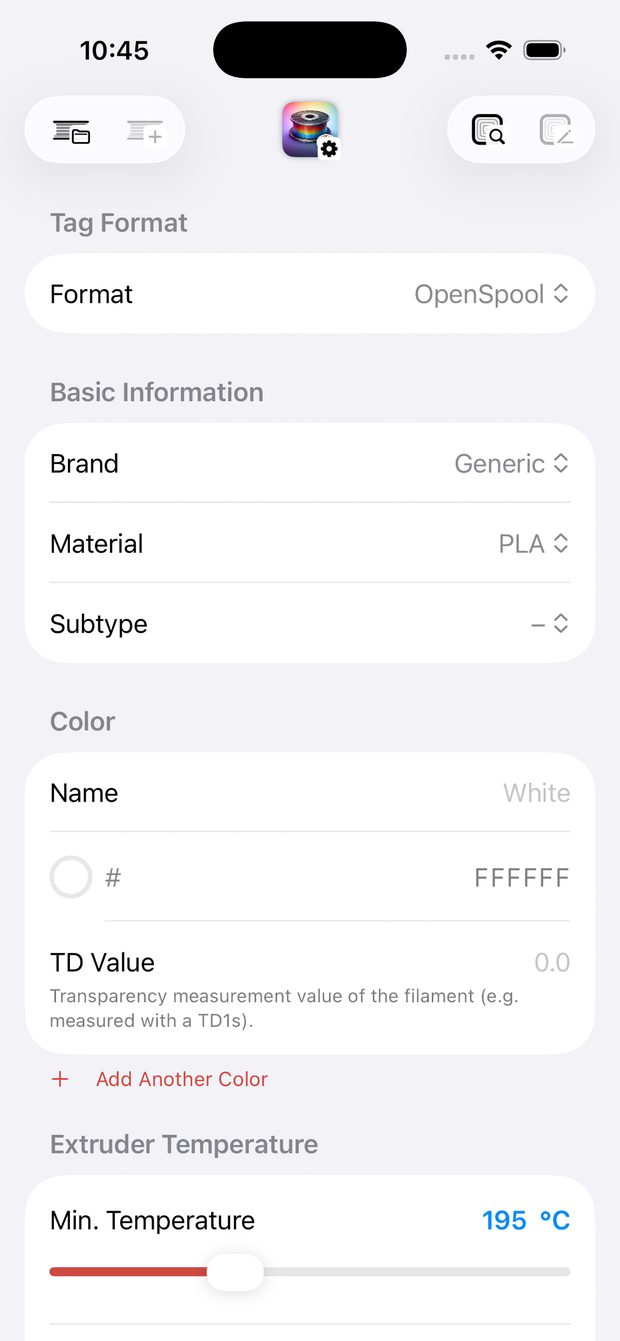
Hold your iPhone to the spool and material, brand, color and print temperatures show up right away. SpoolFlux reads and writes tags in the common formats.
Download on theApp Store
iPhone with NFC · iOS 18.6 or later
What SpoolFlux does
Read and write
Five tag formats, from open OpenSpool to the proprietary ACE Pro and TigerTag tags.
Filament library
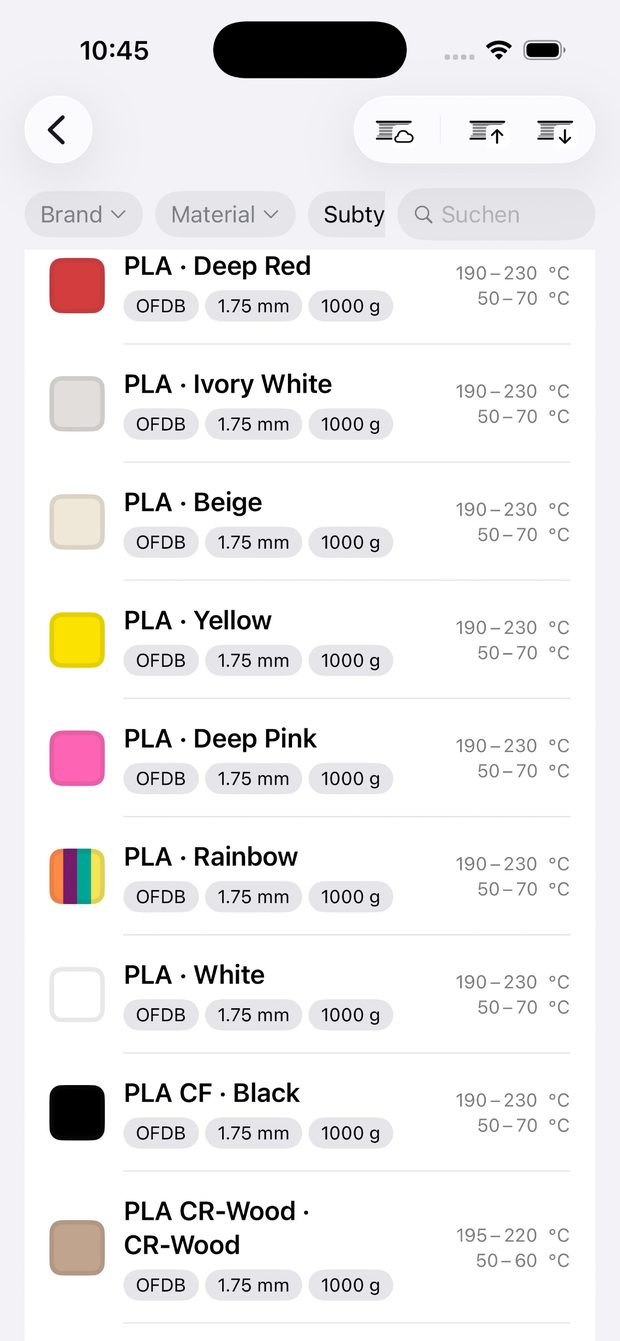
Save filaments, search by brand, material or color, and share them as .sftemplates.
OpenFilament Database
Import filament data from the community database and keep your own changes.
TD1 color scanner
Take color and TD value straight from a TD1 connected to your iPhone over USB.
Temperatures
Nozzle 150–420 °C, bed 0–160 °C, with presets per material.
Offline and private
No account, no trackers. Your data stays on your iPhone.
Supported formats
For Bambu Lab, Snapmaker U1, Anycubic ACE Pro and any printer that reads open formats.
| Format | Technology | Read | Write |
|---|---|---|---|
| OpenSpool | ISO 14443 · NTAG | ✓ | ✓ |
| OpenPrintTag | ISO 15693 · SLIX2 | ✓ | ✓ |
| OpenTag3D | ISO 14443 / 15693 | ✓ | soon |
| ACE Pro | ISO 14443 · NTAG | ✓ | ✓ |
| TigerTag | ISO 14443 · NTAG | ✓ | ✓ |
Questions
Which iPhones are supported?
Any iPhone with NFC running iOS 18.6 or later.
Which NFC tags work?
Most common tags, such as NTAG21x for OpenSpool or ICODE SLIX2 for OpenPrintTag. The tag needs enough memory for the filament data.
My tag isn't read. What can I do?
Hold the top edge of your iPhone close to the tag and try another spot on the spool. Also check whether the tag is locked.
How do I report a bug?
Send a short description with your iPhone model, iOS version, app version and, if known, the tag type to the address below.
Email support:
spoolflux@dingdongclick.de